Webcam

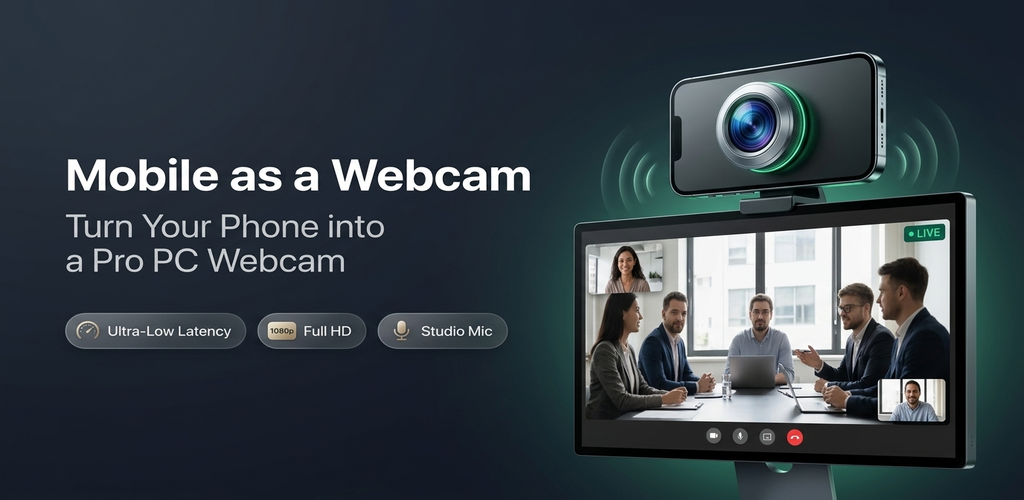
Use your phone's camera as a wireless webcam in PC or Mac.
Install Webcam for Windows, get the mobile app on your phone, and start using your phone with your favorite video applications.
Webcam for Windows v2.0 Direct Setup Installer (.exe) • Windows 11, 10, 7
Webcam for Mac macOS 12.3 or later required (Coming Soon)
Mobile as a Webcam — Receiver Client
60 FPS • 1080p
Camera Feed Preview
Virtual Camera: Ready
Mic: Mobile as a Webcam
LIVE
Phone Screen Feed
Wi-Fi: Connected 4747

Wi-Fi Wireless

Seamless high-speed streaming over your local network.

USB Cable Sync

Plug-and-play direct connection with lowest possible latency.

1080p Full HD

Smooth 60 FPS video directly from your phone sensor.

Microphone Support

Use your smartphone as a crystal-clear PC microphone.

How it Works

Get started in three easy steps

1

Get the Mobile App

Download and install Mobile as a Webcam on your mobile device.

Available on Google Play & App Store
2

Install PC Client

Download and run the setup installer (.exe) on your Windows computer.

Download Installer (.exe) →
3

Link & Stream

Connect over Wi-Fi or USB. Select Mobile as a Webcam in your video app.

Instant Connection

Compatible with your favorite video conferencing & streaming software

Zoom
OBS Studio
Microsoft Teams
Google Meet
Discord
Skype